Home / How ContextMeter works
How ContextMeter works
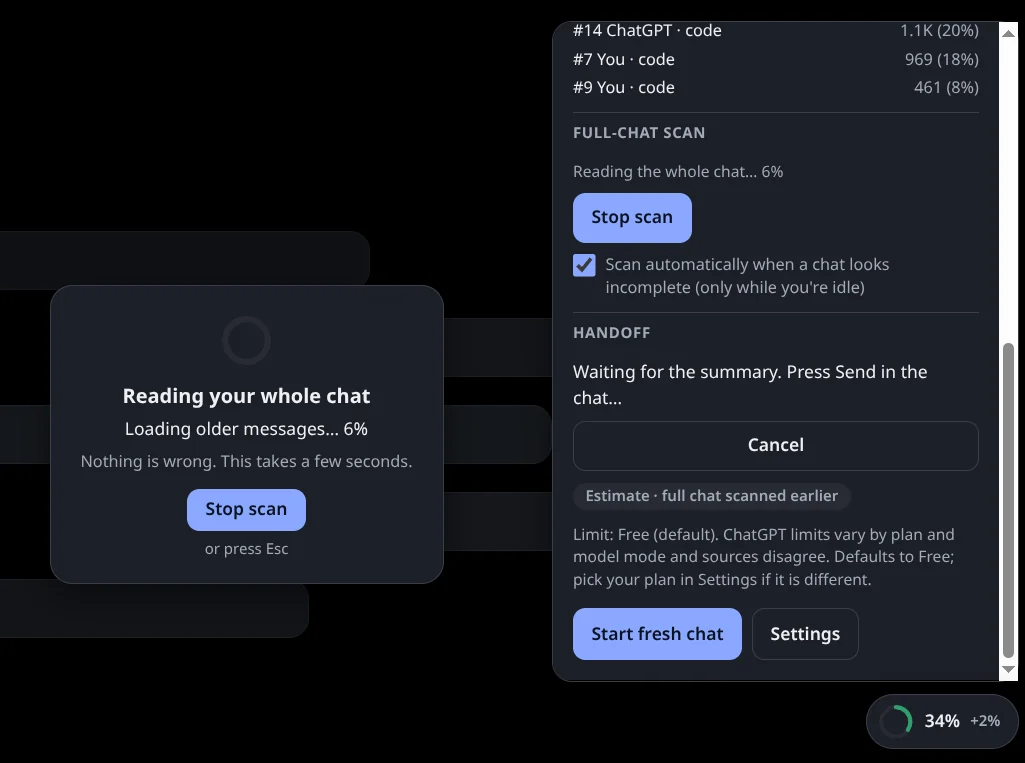
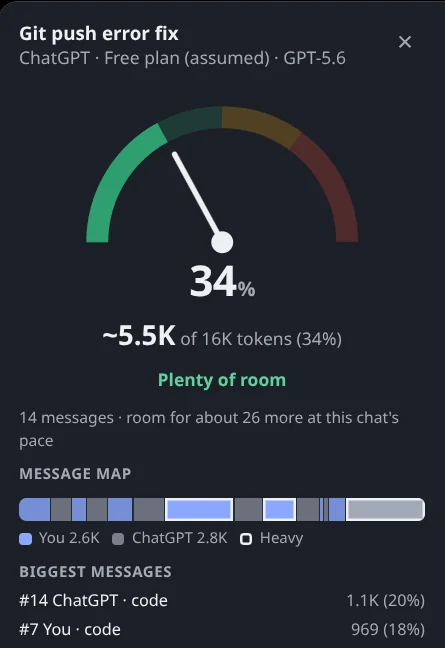
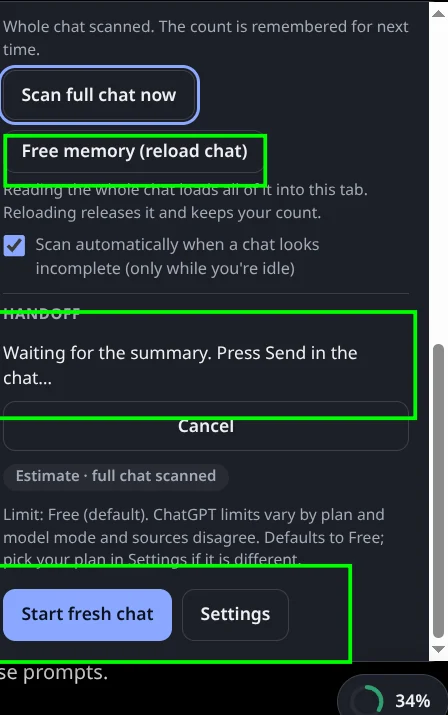
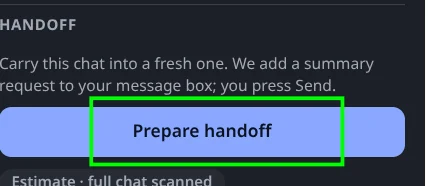
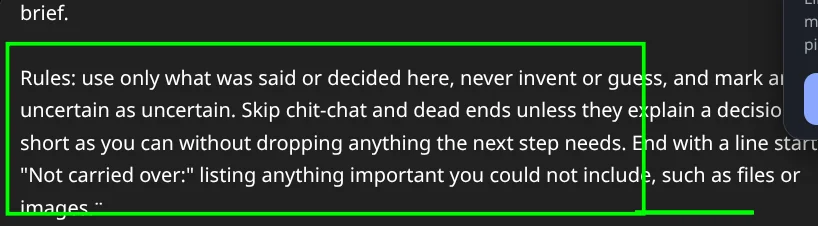
A quick tour of the extension on ChatGPT, in five screenshots from the real thing. Pick a step to see it.
Explore more
Want the prompt on its own? Copy it from the handoff prompt page. To size a block of text, use the free token counter, and see when to start a new chat for the signs. Gemini support is coming soon.
Frequently asked questions
Does Prepare handoff send anything?
No. It only puts a summary request into your message box. You read it and press Send yourself.
Does Free memory delete my chat?
No. It reloads the tab so the browser lets go of the long chat it was holding. The chat stays on ChatGPT and ContextMeter keeps its count.
Why does the scan load older messages?
ChatGPT and Claude open long chats showing only the newest messages and load the rest as you scroll, so the only way to count a whole chat is to load it. The scan does this quietly, only when you allow it, and you can stop it at any time.
What does the gauge colour mean?
Green means plenty of room, amber means the chat is getting full and you should wrap up soon, and red means start a fresh chat or hand it off.
Last reviewed 2026-10-08. Numbers change often; see the sources linked on this page.
ContextMeter is a free, private browser extension that shows how full your ChatGPT or Claude chat is while you use it, and helps you carry the chat into a fresh one. See how it works.